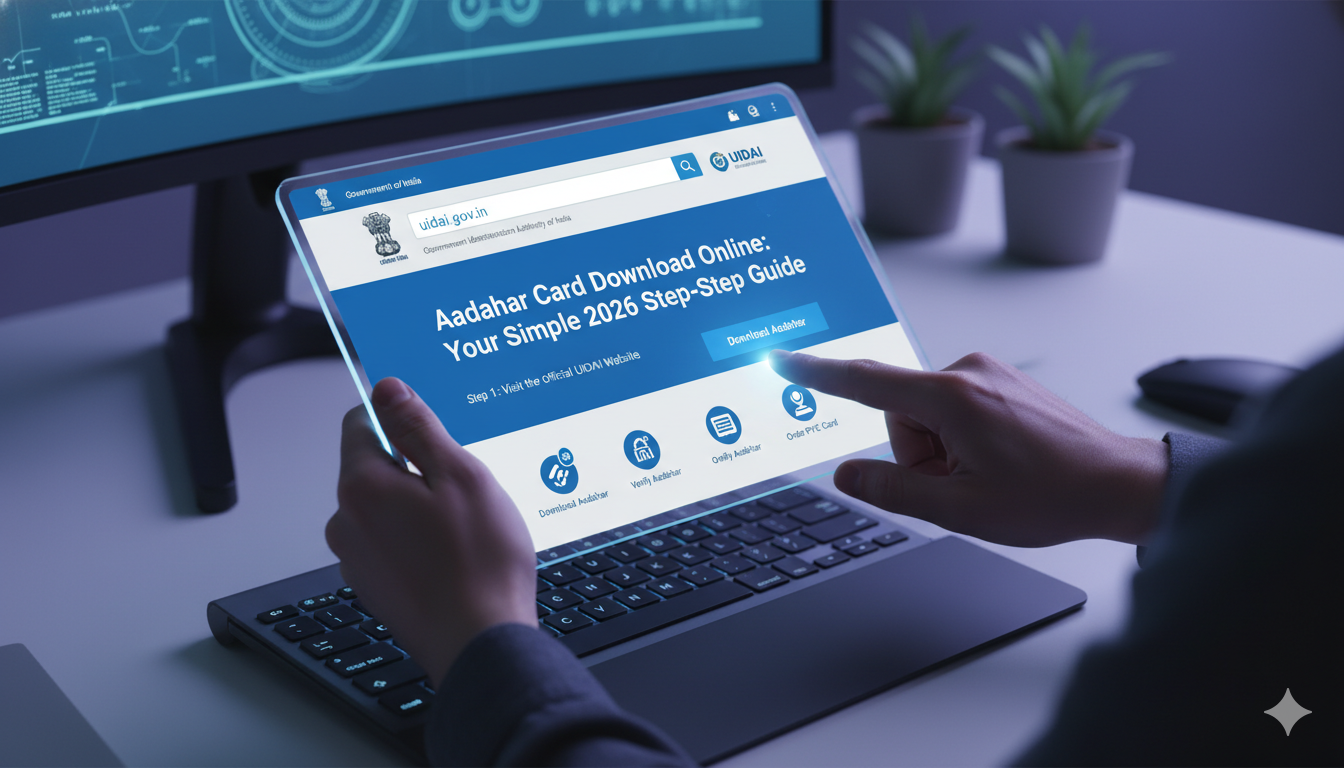
Aadhaar Card Download Online: Your Simple 2026 Step-by-Step Guide
Have you ever left your wallet at home and suddenly needed your ID? It happens to the best of us. Thankfully, losing your physical card is no longer a big headache. You can easily get a digital copy on your phone or computer in just a few minutes. This guide will show you exactly how to download aadhar card details safely from comfort of your home.
Getting your digital ID card is completely free. The online version is just as valid as the physical plastic card you get in the mail. Whether you are applying for a new SIM card, opening a bank account, or checking in for a flight, having a digital copy ready on your smartphone is incredibly helpful. Let us dive into the simple steps to complete your aadhaar card download without any confusion.
What is an E-Aadhaar Card?
An e-Aadhaar is simply a digital, electronic copy of your unique identity document. It is safely protected by a password and carries a secure digital signature from the government authority. This means no one can easily tamper with your information. You can use this digital file anywhere in India as a legal proof of identity and address.
Many people prefer keeping this electronic copy on their smartphones. It saves you from carrying around a physical card that might get lost or damaged. Whenever someone asks for your ID, you can simply open the PDF on your screen or share a printout.
The Value of a Masked Aadhaar Card
When you use the official portal, you will notice an option called a masked identity card. This is a brilliant feature designed to protect your privacy. A masked card hides the first eight digits of your identity number, replacing them with “XXXX-XXXX”. Only the final four digits remain visible to the viewer.
This option is highly recommended when you need to give your ID copy to private companies, like hotels or local delivery agents. It still shows your official photograph, full name, address, and verified QR code. Therefore, it proves who you are without exposing your full, sensitive identification number to strangers.
Preparing For Your Online Download
Before you open the portal, you need to make sure you have one crucial thing ready. Your current mobile number must be linked to your identity profile. The online system uses a highly secure login method that sends a one-time verification code to your phone.
If your phone number is not linked or if you changed your number recently, you will not receive this security code. In that situation, you would need to visit a local registration center to update your records first. If your number is active and ready, the process is incredibly smooth.
How to Download Aadhar Card Online Using Your 12-Digit Number
If you already know your unique 12-digit identity number, this is the fastest method available. It only takes a few clicks on your web browser to save the file.
1.Visit the Official Identity Portal:Step 1.
Open your web browser on your phone or laptop and go to the official myAadhaar portal online.
2.Select Download Option:Step 2.
Look at the main dashboard and click on the clear button labeled Download Aadhaar.
3.Enter Your 12-Digit Number:Step 3.
Select the ‘Aadhaar Number’ checkbox and type your 12-digit number carefully into the empty box.
4.Complete the Captcha Puzzle:Step 4.
Type the letters and numbers exactly as shown in the security image on your screen.
5.Request Your Security Code:Step 5.
Click on the Send OTP button to trigger a text message to your registered mobile phone.
6.Enter Code and Download:Step 6.
Type the 6-digit code received on your phone into the webpage box and click Verify & Download.
How to Download Aadhar Card Using Your Enrolment ID
What if you just applied for a fresh card or made an update, and you do not have a 12-digit number yet? You can easily use your 28-digit Enrolment ID (EID) found right at the top of your acknowledgment slip.
The slip contains a 14-digit enrolment number along with a 14-digit date and time stamp. Together, these form your 28-digit EID. When you choose this method on the download screen, you enter those numbers in a continuous sequence. After typing the details and entering the matching security captcha, click the code generation button. Enter the code sent to your phone, and your fresh document will download automatically.
Steps For an Aadhar Card Download Masked Version
If you want extra safety for your personal data, choosing the hidden number version is an excellent path. The steps are almost identical to the normal download path with one tiny change.
Once you enter your identity details and captcha code on the login page, look closely right above the verification button. You will see a small checkbox that asks, “Do you want a masked Aadhaar?”. Make sure to click and check that specific box. After you enter your text security code and finish the process, your downloaded file will hide your first eight digits cleanly.
Accessing Your Digital ID via Mobile Applications
You do not always need a computer or a web browser to grab your digital card. The official mAadhaar application is available for both Android and Apple smartphones.
Once you install the app from your official app store, you can register your profile using your linked phone number. The application allows you to look at your ID offline anytime you want. Inside the app services menu, you can tap on Download Aadhaar, select your preference between a regular or masked format, and save the PDF directly into your phone’s internal storage folder.
Unlocking Your Password-Protected PDF File
Once your aadhar card download online process finishes successfully, you will notice that you cannot open the PDF right away. The file is locked with a strong safety password so that nobody else can view your personal details if they find your device.
The password format is a standard combination based on your own personal details:
- The first four letters of your legal name written in CAPITAL letters.
- The year of your birth written in YYYY format.
Example: If your legal name is RAHUL SHARMA and you were born in the year 1995, your unique file password will be RAHU1995. If your name has only three letters, like AMI, just use those three letters followed by your birth year.
Important Security Rules For Your Digital Card
While having an online copy is incredibly useful, you must practice smart safety habits. Treat your digital PDF file just like real cash or a physical wallet.
Never download your identity documents on public computers, such as those in cyber cafes or public libraries. If you absolutely must use a public system, always delete the downloaded file from the folder and clear the browser history before leaving. Avoid sharing your unmasked card copy or your text security codes with anyone on messaging applications.
What to Do If Your Download Fails
Sometimes, you might face a minor issue while trying to save your card online. The most common problem is a slow website server during busy afternoon hours. If the portal takes too long to load or fails to send a code, simply close the browser page and try again later in the evening when online traffic is lower.
Another common issue is an incorrect captcha error. If the letters on the screen look blurry or confusing, click the refresh arrow next to the image to generate a fresh, easy-to-read puzzle before typing.
Summary of Online Download Methods
| Method Used | What Details You Need | Best Used For |
| Aadhaar Number | 12-Digit personal ID number | Quickest download for existing card holders |
| Enrolment ID (EID) | 28-Digit slip number with date stamp | People who recently applied or updated details |
| Virtual ID (VID) | 16-Digit temporary security number | People who want ultimate privacy on the portal |
Conclusion
Learning how to download aadhar card online is a fantastic digital skill that saves you time and stress. By choosing an aadhar card download, you ensure that you always have a legal identity proof sitting securely in your pocket. Whether you choose a regular version or a privacy-friendly aadhar card download masked file, the power to manage your identity is completely in your hands. Take a few minutes today to download your secure copy and save it in a safe folder on your device.
(FAQs)
1. Is there any fee when I download my card online?
No, downloading your electronic card from the official portal is entirely free of cost. You can download your file as many times as you need without paying any service fee.
2. Can I use a masked identity card for opening a bank account?
Yes! A masked card is a legally valid document signed by the authority. Most institutions and telecom companies accept it readily for identity verification. However, a few specific agencies might request a full number for deep regulatory checks.
3. What if my name has a space or is very short?
If your name is short, use all the letters of your name in capitals followed by your birth year. For example, if your name is ANU and you were born in 2002, your password will be ANU2002. Spaces inside names are ignored by the password lock.
4. Can I get my digital card online if my phone number is not registered?
Unfortunately, no. The online portal requires a text message safety code to verify your identity. If your phone number is not linked, you must visit an enrollment center to update your mobile number first.
5. Is the printed version of an e-Aadhaar valid?
Yes, a printed copy of your downloaded electronic card is completely valid under the law. It carries a secure digital signature and a scannable QR code which makes it authentic.
6. Can I complete an aadhar card download on my phone?
Yes, you can easily download the file on your smartphone using a normal web browser or by installing the official mAadhaar application from your app store.